
How to Create Interactive Sales Content That Converts

How to Create Interactive Sales Content That Converts
Interactive sales content boosts engagement and conversions by involving your audience directly through tools like quizzes, calculators, and demos. Compared to static content, it generates 2x more engagement and is preferred by 93% of marketers. Here's how to make it work:
- Match tools to sales stages: Use infographics for awareness, assessments for consideration, calculators for decision-making, and guides for implementation.
- Focus on user needs: Personalize content to address customer pain points and simplify complex ideas.
- Design for usability: Keep tools simple, visually clear, and mobile-friendly.
- Track performance: Monitor metrics like engagement, conversions, and ROI to refine your strategy.
Key takeaway: Interactive tools like ROI calculators and demos can increase conversion rates by up to 70%, making them a powerful addition to your sales process.
What is an Interactive Calculator?
Matching Content to Customer Needs
Understanding Your Buyers
To create effective interactive sales content, you need a solid grasp of your buyers' challenges and decision-making processes. Research highlights that addressing specific pain points in your messaging can greatly improve the quality of leads you generate.
"Be curious and ask questions. Salespeople are in such a lucky position - we're always speaking to people we can learn from." - Nancy Newman-Oller, Head of Account Management, Cognism
This understanding is the foundation for developing interactive tools that align perfectly with each step of the sales journey.
Content for Each Sales Stage
Interactive content works best when tailored to specific stages of the buyer's journey. Here's how top companies align their tools with customer needs:
| Sales Stage | Interactive Tool Type | Purpose |
|---|---|---|
| Awareness | Interactive Infographics | Educate and identify problems |
| Consideration | Assessment Tools | Evaluate and compare solutions |
| Decision | ROI Calculators | Demonstrate and justify value |
| Implementation | Interactive Guides | Support onboarding and adoption |
By aligning interactive tools with these stages, you can boost conversion rates and create a stronger connection with prospects.
Popular Interactive Tool Examples
Real-world examples show how companies successfully apply these strategies:
- Blackbaud's Targeted Assessment: Uses an interactive quiz to pre-qualify leads in the arts sector by identifying their specific needs.
- Uberflip's Solution Finder: Provides personalized feedback by matching prospects' market requirements with its solutions.
- IBM's Personalization Strategy: Offers tailored solution recommendations based on user inputs, making content more relevant and increasing conversion potential.
"In SaaS sales, you must put the customer first and tackle their pain points head-on. The key is to really listen to what they need and come up with personalised solutions. It's how you build trust and create lasting partnerships." - Hugh Campbell, Global Inbound Manager, Cognism
To maximize success, focus on your Ideal Customer Profile, ensure your tools are mobile-friendly, and continuously improve based on user feedback.
sbb-itb-e400484
Building Interactive Sales Tools
Design Guidelines
When creating interactive sales tools, prioritize ease of use and functionality. A simple, user-friendly design can make all the difference in driving conversions. Here are some key principles to keep in mind:
- Keep it simple and clear. The Logo Company uses interactive infographics to break down complex ideas into easy-to-follow segments, helping users better understand their offerings.
- Focus on visual clarity. Use whitespace and clean typography to reduce cognitive load.
- Streamline navigation. Follow the "4 S's" – Specific, Sincere, Substantial, and Succinct – to make navigation intuitive and engaging.
- Think mobile-first. Ensure your design is responsive and includes touch-friendly elements to reach users on any device.
| Design Element | How to Implement | Why It Matters |
|---|---|---|
| Visual Clarity | Use whitespace and clear typography | Makes content easier to digest |
| Navigation | Apply the "4 S's" for usability | Keeps users engaged |
| Mobile Design | Use responsive layouts | Widens accessibility |
"Life is too short to click on things you don't understand." – Jakob Nielsen
Use these principles to create tools that not only look good but also work seamlessly in your sales process.
Adding Tools to Your Sales Process
Interactive tools can showcase your product's key features while solving specific customer pain points. For example, PSTrax used an interactive video campaign featuring real firefighters and paramedics. This content was deployed across multiple channels, effectively engaging their audience.
Focus on highlighting 2-3 core features that address your customers' most pressing challenges. Siemens PLM Software did this by creating targeted interactive infographics to explain their Digital Twins technology. This approach not only positioned them as experts but also kept users engaged throughout the sales journey.
Journey.io: Interactive Content Platform
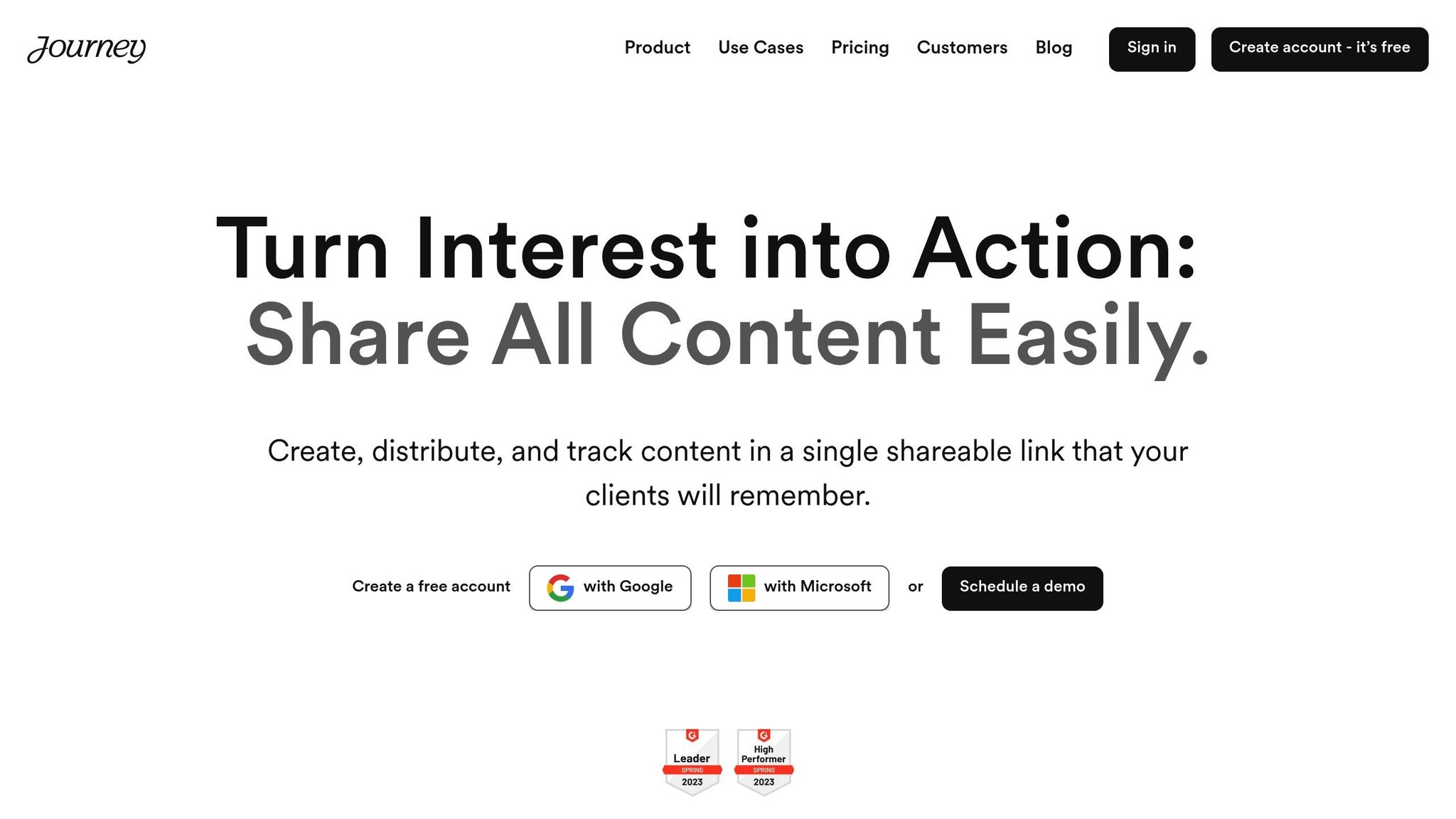
Once your strategy is in place, platforms like Journey.io can help you manage and deliver interactive content more effectively. Journey.io allows you to combine various content types into unified, trackable experiences.
Here’s what it offers:
| Feature | How It Helps Businesses |
|---|---|
| Real-time Analytics | Monitor engagement and refine content |
| Content Packaging | Bundle PDFs, videos, and interactive tools |
| Secure Sharing | Control access with passwords and IP restrictions |
| AI Assistance | Create and optimize content efficiently |
Journey.io also integrates with tools like Google Drive and Gong recordings, making it a great choice for B2B sales teams looking to create polished, interactive experiences while maintaining control over the sales process.
Similarly, HubSpot uses interactive tools like marketing graders and website analysis features. These tools provide immediate value to users while collecting data for personalized follow-ups.
Tracking and Improving Results
Performance Metrics
Keep an eye on metrics that show how well your content engages users and drives conversions. Focus on data that ties directly to your sales objectives.
| Metric Type | Key Metrics | Why It Matters |
|---|---|---|
| Engagement | Time spent, completion rates | Indicates how relevant your content is to users |
| Conversion | Lead generation, sales-qualified leads | Tracks how your content impacts revenue |
| User Behavior | Drop-off points, interaction patterns | Highlights areas where users may face issues |
| ROI | Cost per lead, revenue attribution | Demonstrates the financial impact of your content |
Testing Different Versions
After tracking performance, refine your content by testing variations. A/B testing is a great way to optimize interactive content for better results. For instance, Turum-burum worked with Intertop to improve their forms by simplifying fields and adding autofill. This resulted in a 54.68% boost in conversion rates.
"A test with a strong negative result means you've identified a conversion lever. You've pulled it in the wrong direction, now just figure out how to pull it in the opposite direction."
- Johann Van Tonder, CEO at ecommerce CRO agency AWA digital
Another example: Every.org simplified their donation process by redesigning it into a two-step flow with a single call-to-action. This change increased conversions by 26.5%.
Tools for Measuring Success
Leverage analytics tools to turn testing insights into actionable strategies. Google Analytics 4 helps track audience behavior, page views, and engagement. For more specific content tracking, Journey.io provides real-time data on prospect engagement and behavior.
A case in point: Mailchimp partnered with Spotify to improve email deliverability. By using email verification tools and tracking detailed metrics, they reduced bounce rates from 12.3% to 2.1% in just 60 days. This adjustment led to a 34% improvement in deliverability and generated an additional $2.3M in revenue [Mailchimp Case Studies, 2023].
When choosing measurement tools, look for these features:
| Feature | Purpose | Example Platform |
|---|---|---|
| Real-time Analytics | Monitor engagement instantly | Journey.io |
| User Behavior Tracking | Understand interaction patterns | Google Analytics 4 |
| Conversion Tracking | Measure key performance indicators | Both platforms |
| Custom Reports | Build targeted insights | Both platforms |
Use these tools and insights to fine-tune your interactive content strategy, applying lessons learned from earlier tests and data.
Conclusion
Key Takeaways
Interactive content can significantly boost conversions compared to static formats. Tools that address specific buyer needs are highly effective, with 84% of B2B buyers preferring vendors who understand their goals. For example, HubSpot's marketing graders and website analysis tools offer instant value while gathering essential user data. Similarly, Cisco's interactive eBooks and training videos simplify complex product information for B2B customers.
| Interactive Content Type | Benefits | Performance Metrics |
|---|---|---|
| Assessment Tools | Qualifies leads | 70% conversion rate vs. 36% for static content |
| Interactive Calculators | Demonstrates value | Twice the engagement compared to static formats |
| Product Demos/Tours | Enhances understanding | 45% of B2B buyers lean toward interactive formats |
How to Get Started
- Start Small: Launch a single interactive tool that meets your audience's primary need. For instance, Marketo's calculators and assessments are excellent for qualifying leads.
- Prioritize Mobile-Friendly Designs: Ensure your content functions smoothly across devices. Companies like IBM, Apple, and Microsoft excel in using gamified digital assets to engage B2B audiences.
- Track Performance: Leverage analytics to measure success and fine-tune your strategy. Notably, 77% of marketers recognize the enduring impact of interactive content.
These steps can help you turn audience engagement into tangible results.
Related Posts