
The product
One page. A link each. See who came back.
Put the overview, the numbers and the proof on one page. Send it as a link per person. Then stop guessing: see who opened it, when, and who came back.
The problem
Right now, your buyer is digging through their inbox.
You are not losing deals because the content is bad. You are losing them because opening it feels like homework.
- Attachments and links get buried in a thread.
- The decision-maker gets a forward with half the story missing.
- Nobody can tell you who actually opened it.
It’s like we’re sending 10 links and hoping for the best.
Everything they need to say yes, on one page.
The overview, the numbers and the proof on one page. One link, no attachments, ready to forward internally.
Step 1 of 3
Create
Start from a template, a prompt, or the files you already have.
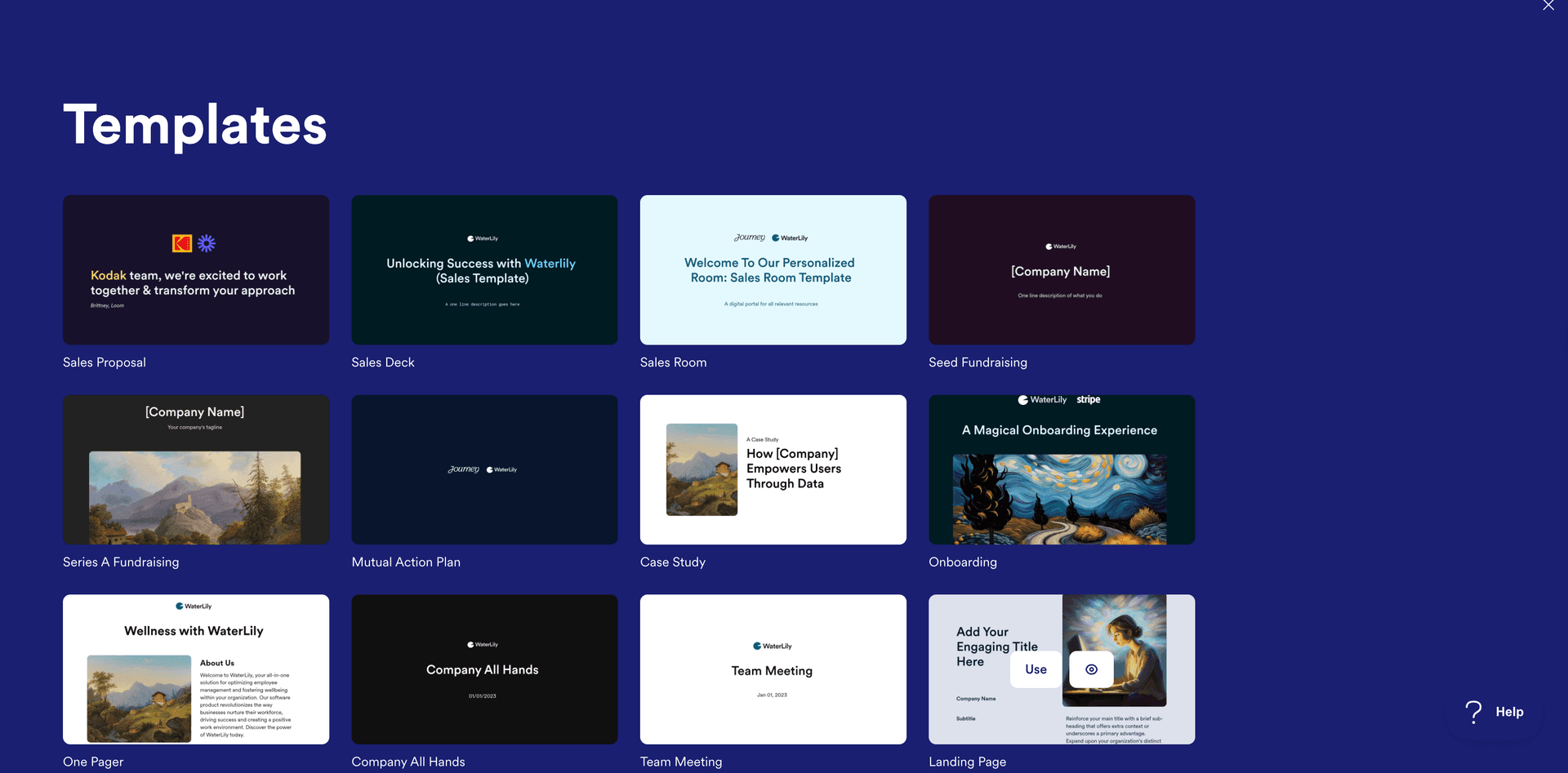
Templates
Open a page that already works and make it yours.
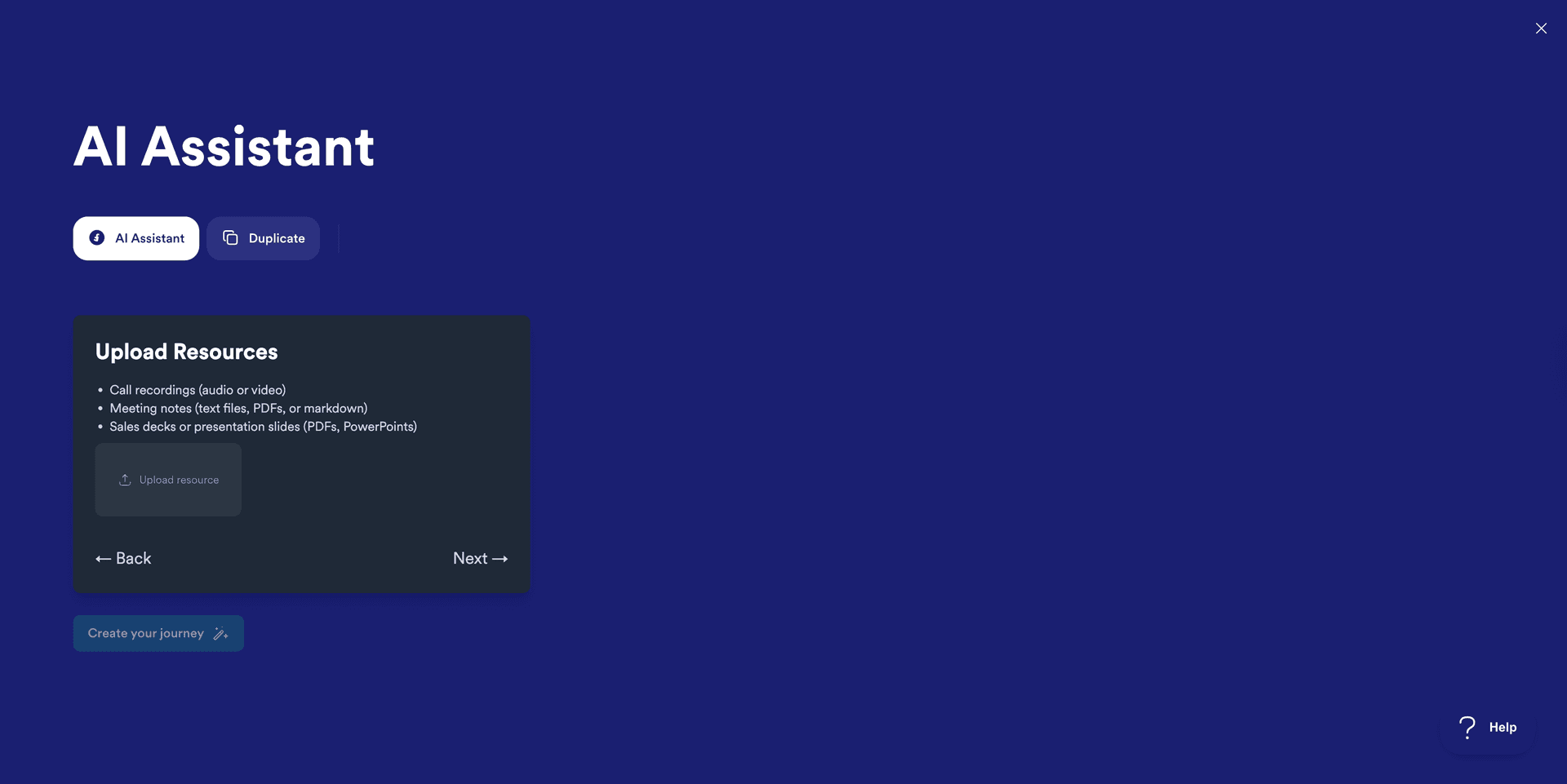
Create with AI
Describe the send and get a drafted page back.
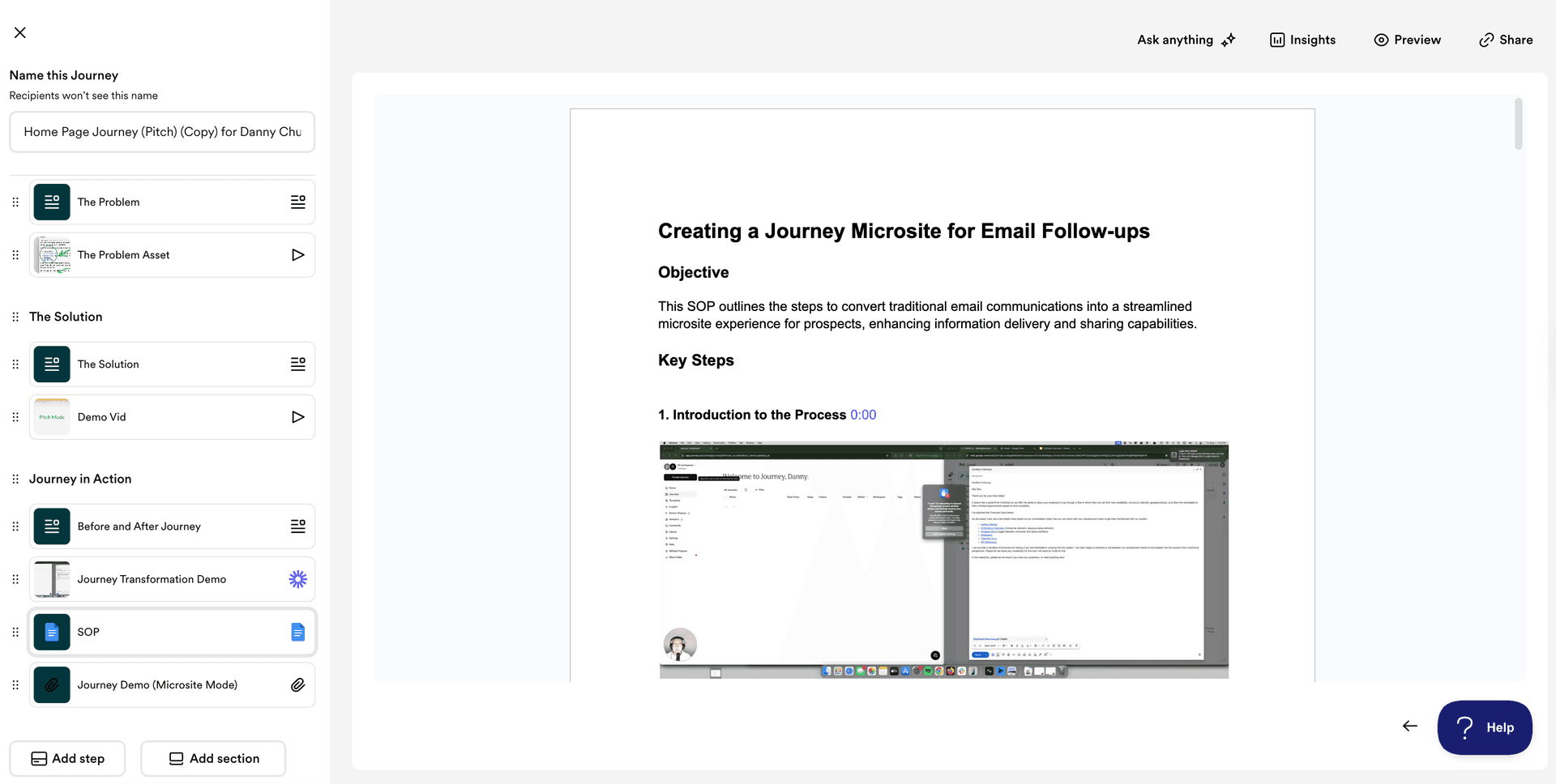
Pitch Mode
Walk the room through it live, in order.
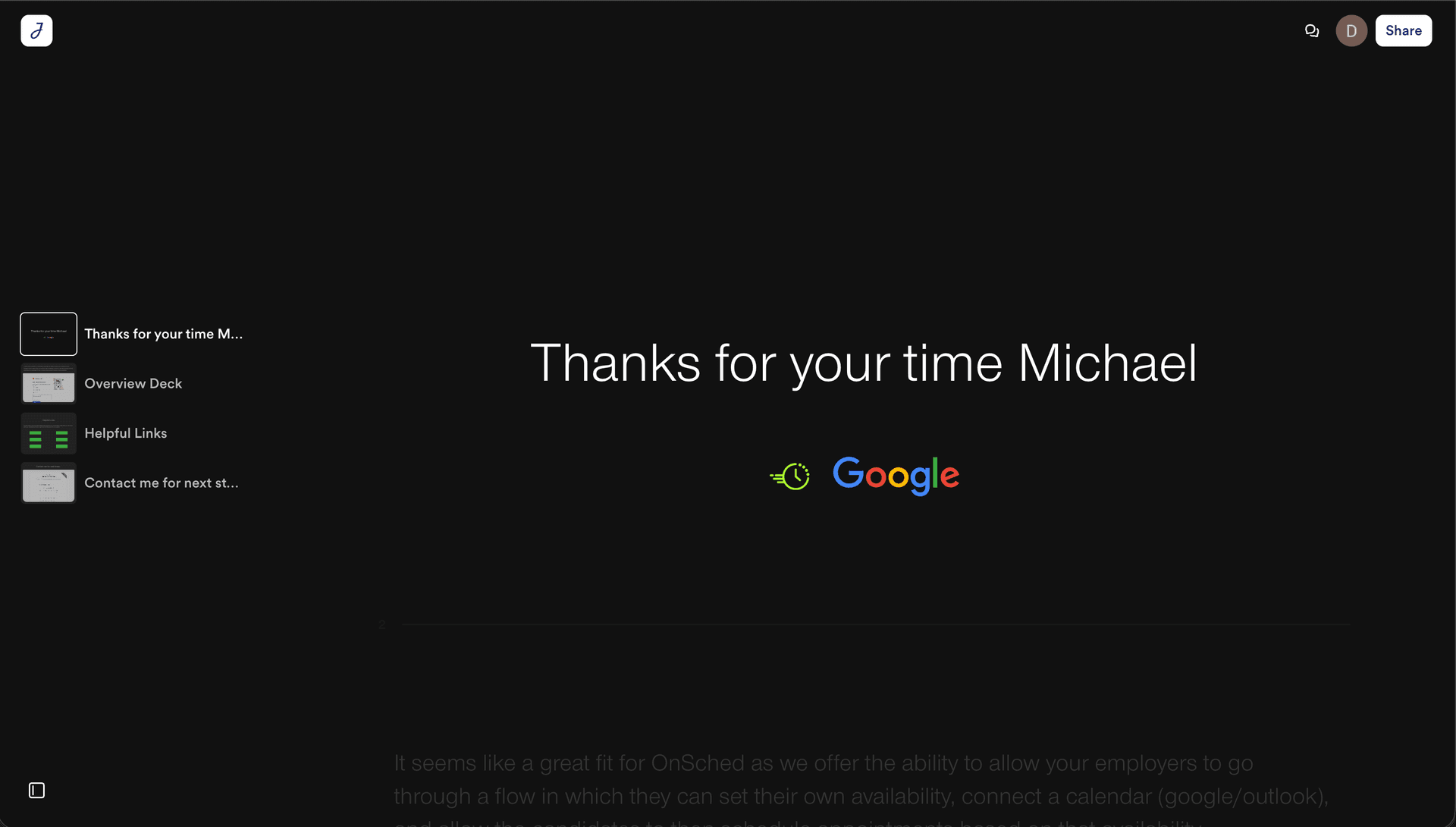
Microsite Mode
A small site when one page is not enough.
Step 2 of 3
Send
A link per person, so every open belongs to a name.
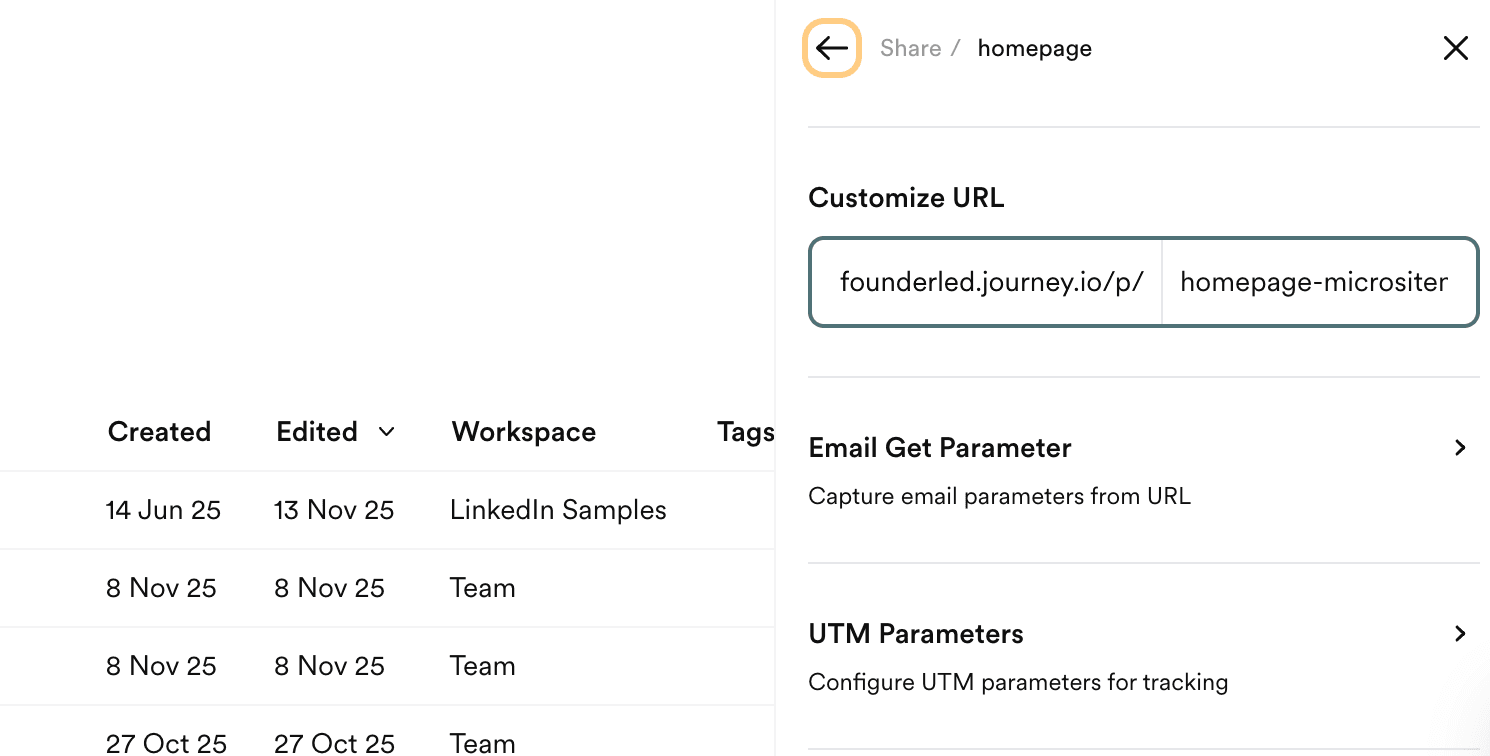
Custom Links
One link each. That is what makes the signal readable.
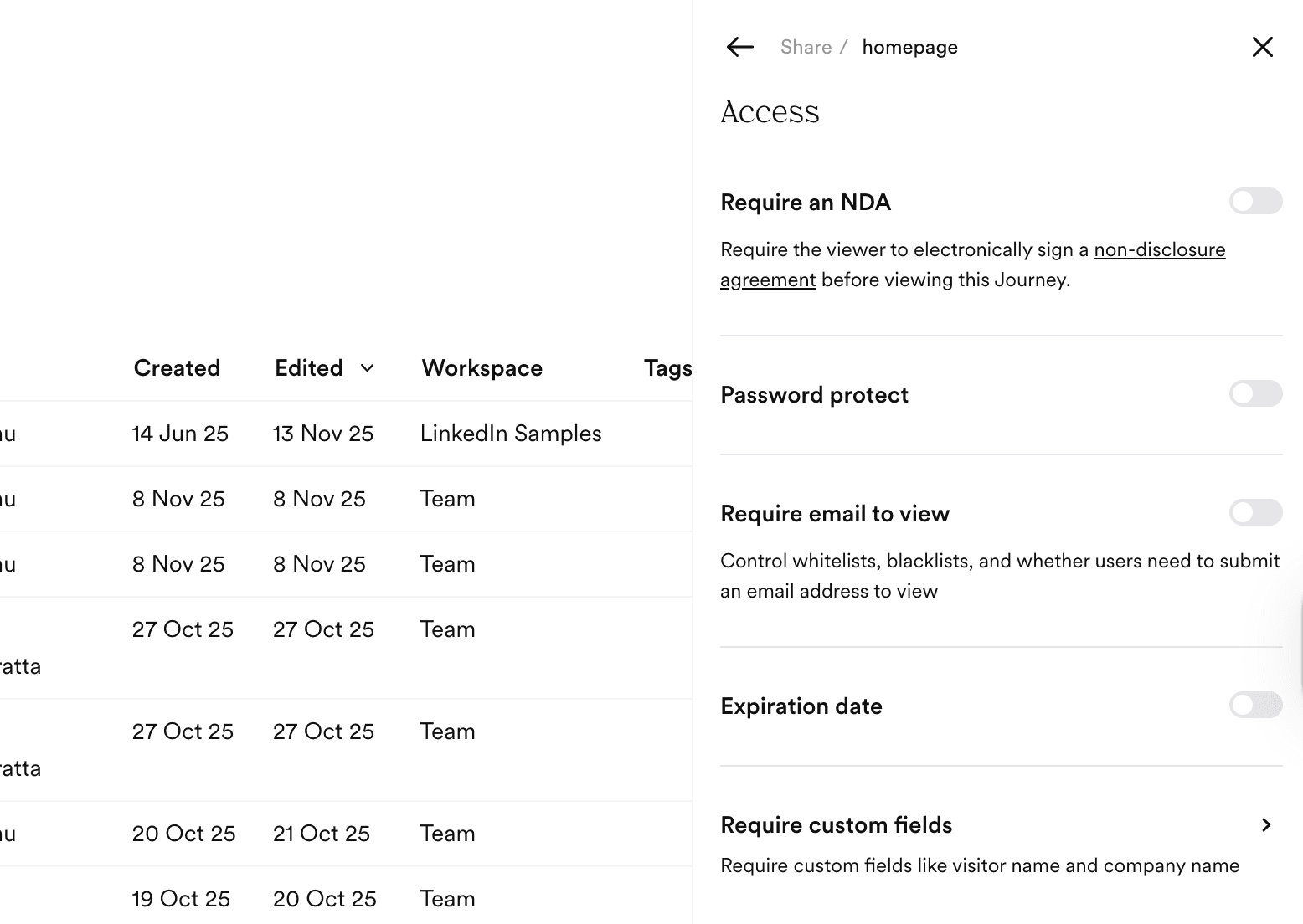
Control Access
Gate it, expire it, or leave it open.
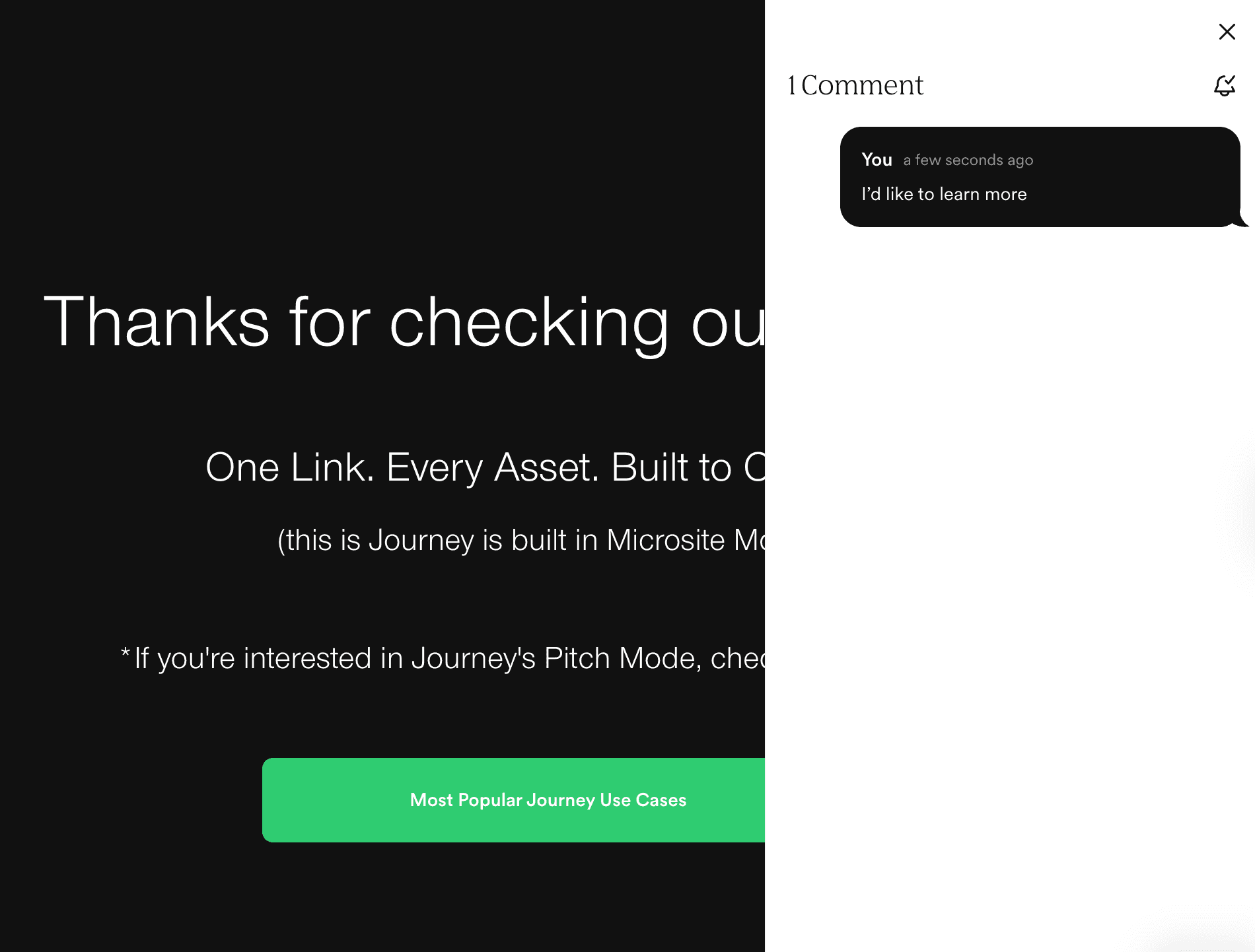
Comments
Questions land on the page, not in a reply chain.
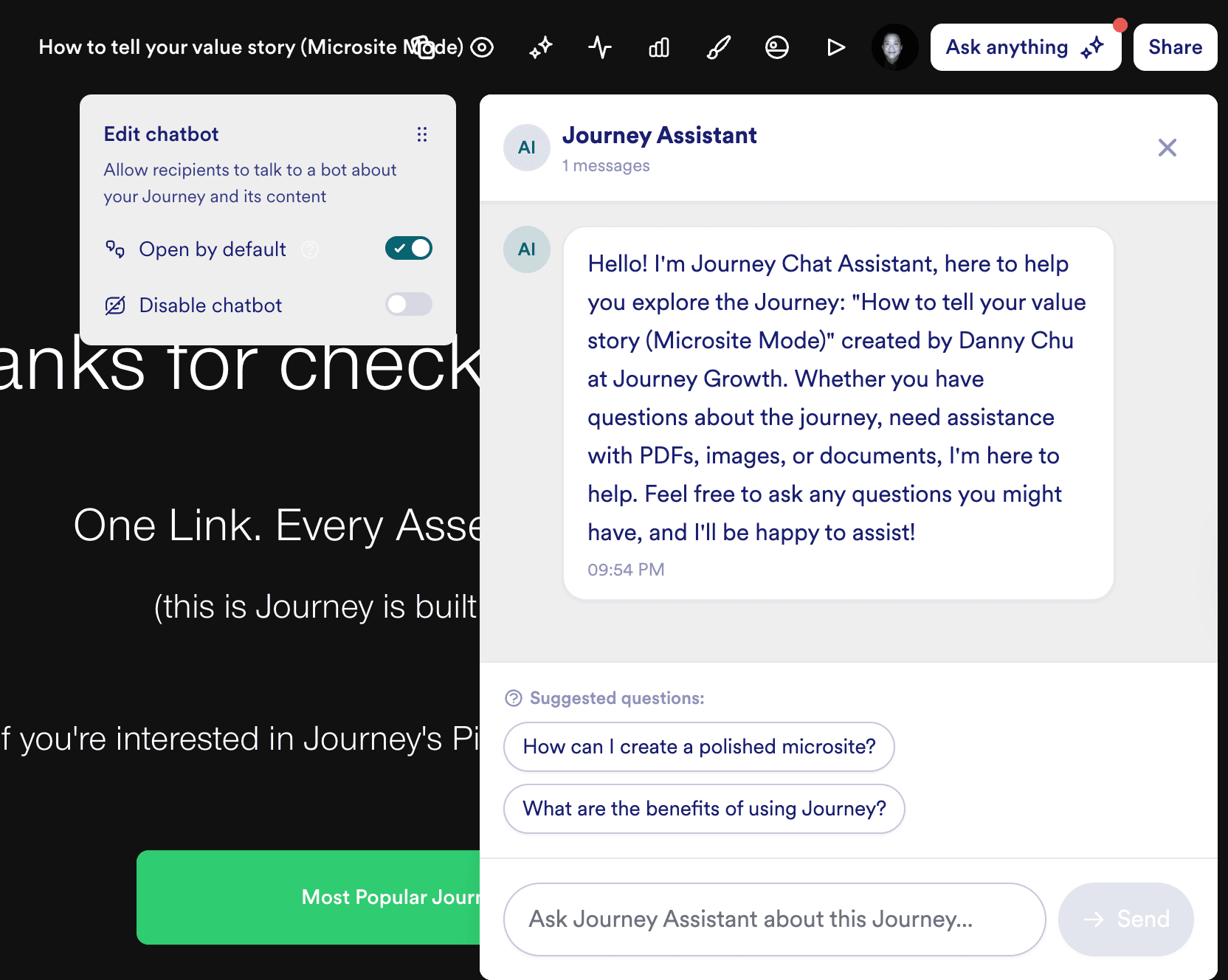
AI Chat
Answers their questions while you sleep.
Step 3 of 3
Analyze
Who opened it, when, and who came back.
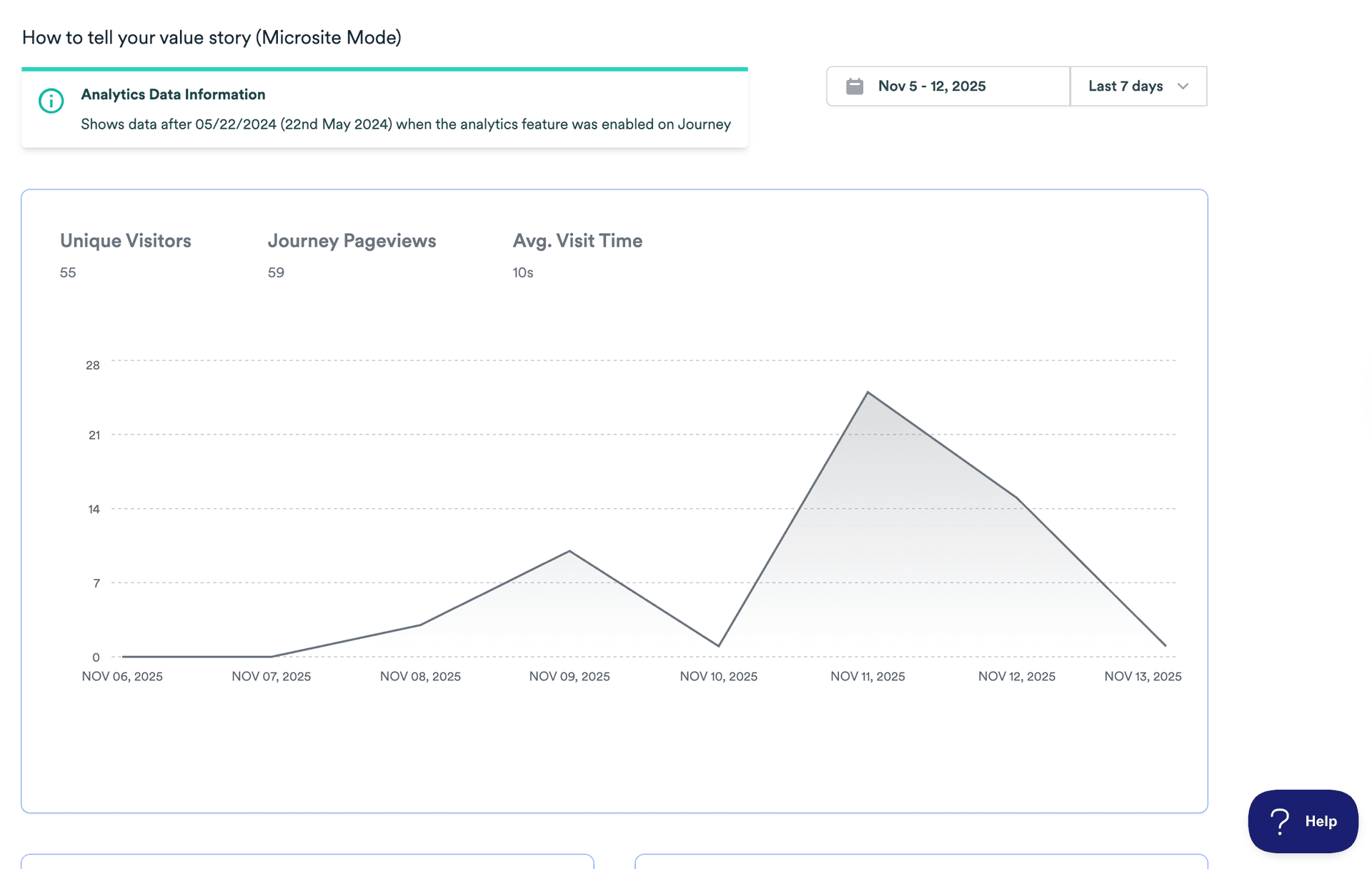
Analytics
Time on page and the path through it, per person.
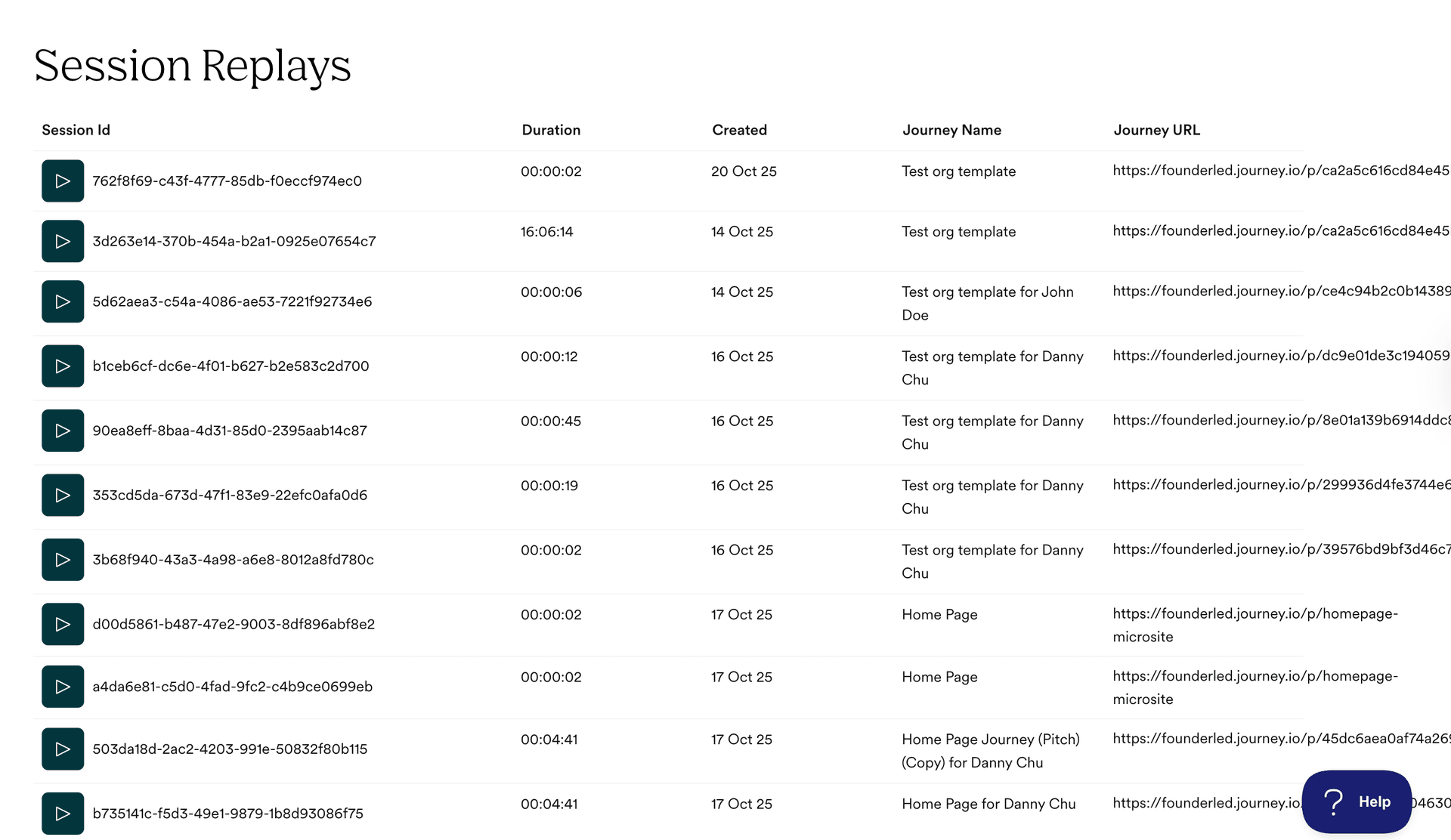
Session Replay
Watch the visit back when the numbers surprise you.
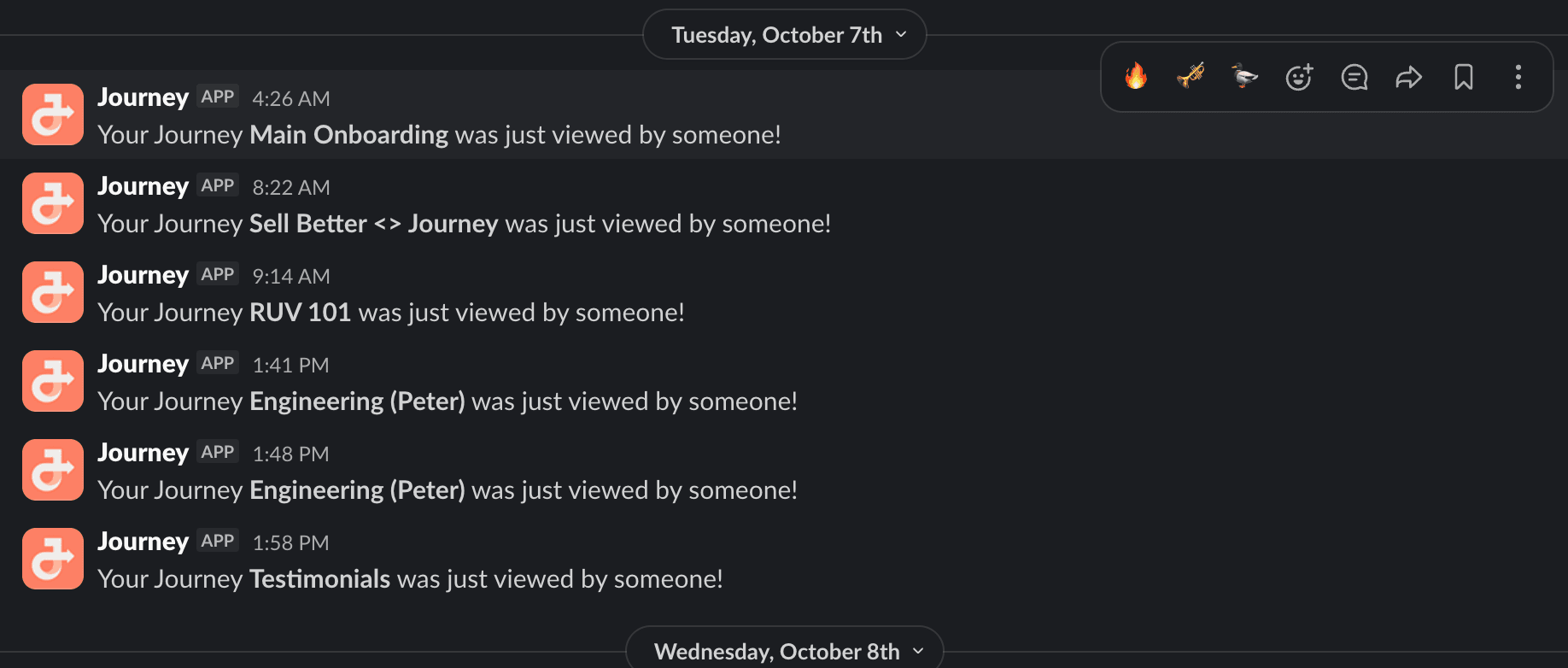
Notifications
Told the moment it is opened, while it is still warm.
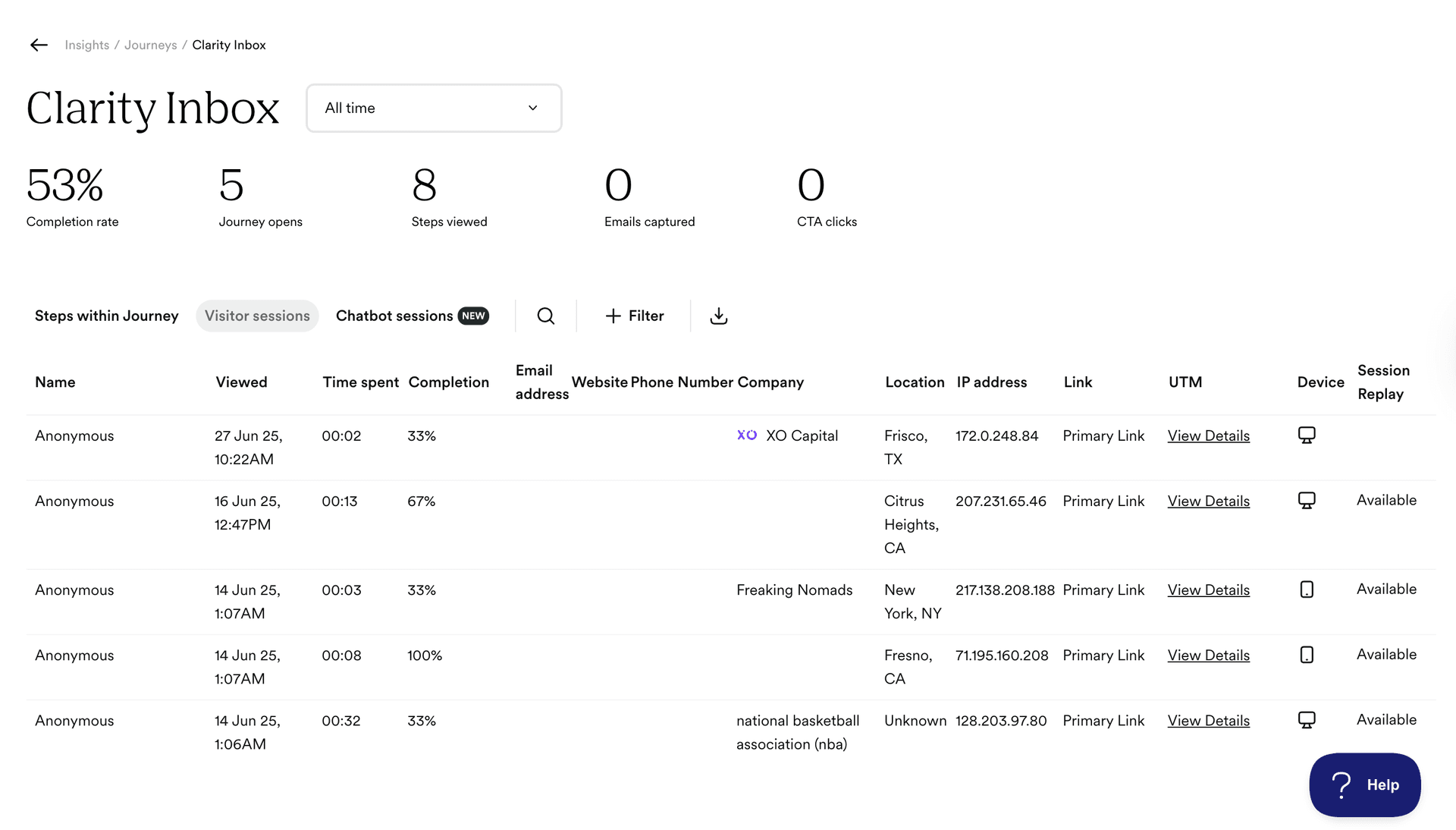
Insights
Which pages move deals, across every send.